Inspect
Confirm the npm package name, provenance, requested permissions, supported runtime, update path, and uninstall behavior before execution.
Agent Integrations
Installation is one step in a larger architecture. Compatibility, permissions, credentials, data movement, human review, and removal behavior all need an explicit place in the workflow.
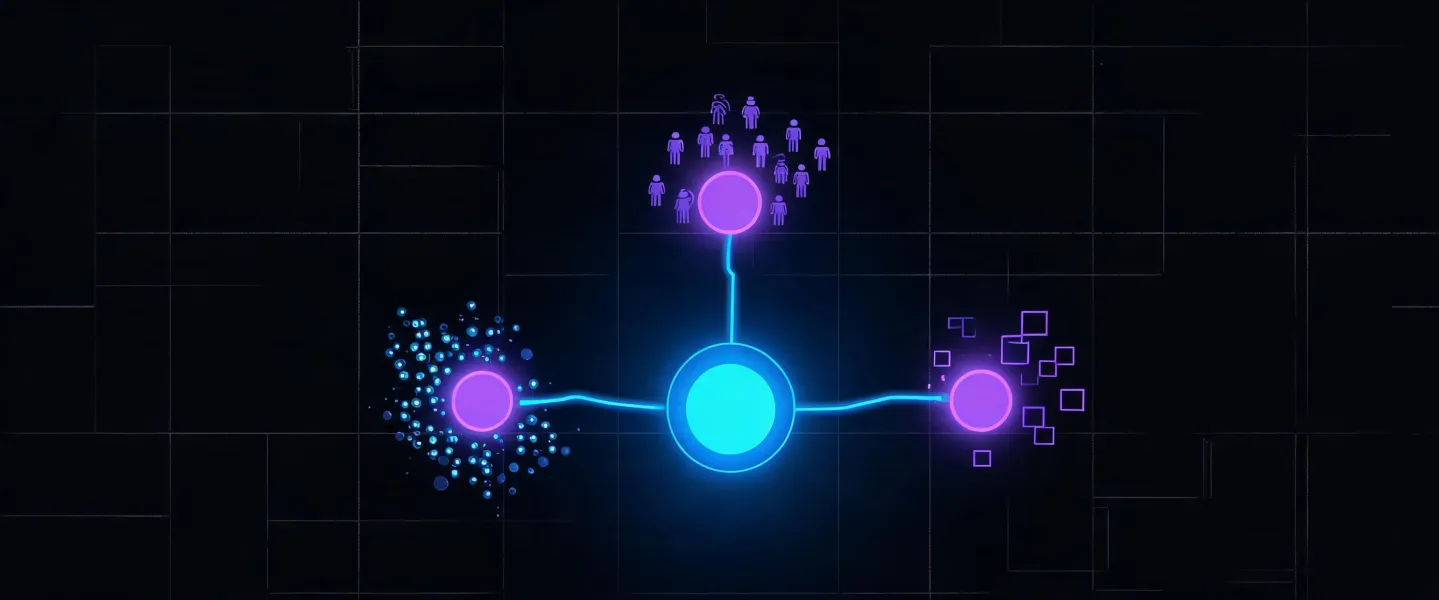
Runtime roadmap
Confirm the npm package name, provenance, requested permissions, supported runtime, update path, and uninstall behavior before execution.
Run the exact command in the terminal attached to the intended AI agent environment. A copied command is not an installed capability.
Provide only the credentials required for the chosen task. Store API keys in the runtime secret manager and limit scopes where providers allow it.
Use a small ICP and request structured source context. Record missing fields, provider errors, and reviewer overrides.
Keep outbound authority separate from research. Review retention, deletion, suppression, consent, and regional compliance before production use.
Technology showcase
Natural-language goals become explicit firmographic, technographic, buyer-role, territory, and exclusion fields.
The skill operates within the permissions, network access, and secret-management behavior of the selected runtime.
Connection status and provider-specific limits must be verified in the actual environment; no decorative badge implies an official partnership.
Evidence, confidence, unknowns, and reviewer decisions travel with the shortlist before any external action is considered.
Compatibility ledger
Status: Verify locally
Confirm Node.js and npx availability, package policy, file-system access, network permissions, and the runtime’s method for discovering installed skills.
Status: Configuration-dependent
Provider availability, API scopes, rate limits, field coverage, and retention differ by account. Evaluate them with a dated test rather than an integration-count claim.
Status: Workflow-dependent
Review export schemas, access control, deduplication, deletion, and audit history before sending structured results to a CRM, spreadsheet, or engagement tool.
Copy the command, inspect what it will execute, and validate compatibility in your own agent runtime.
npx -y @okki-global/okki-go-taroball